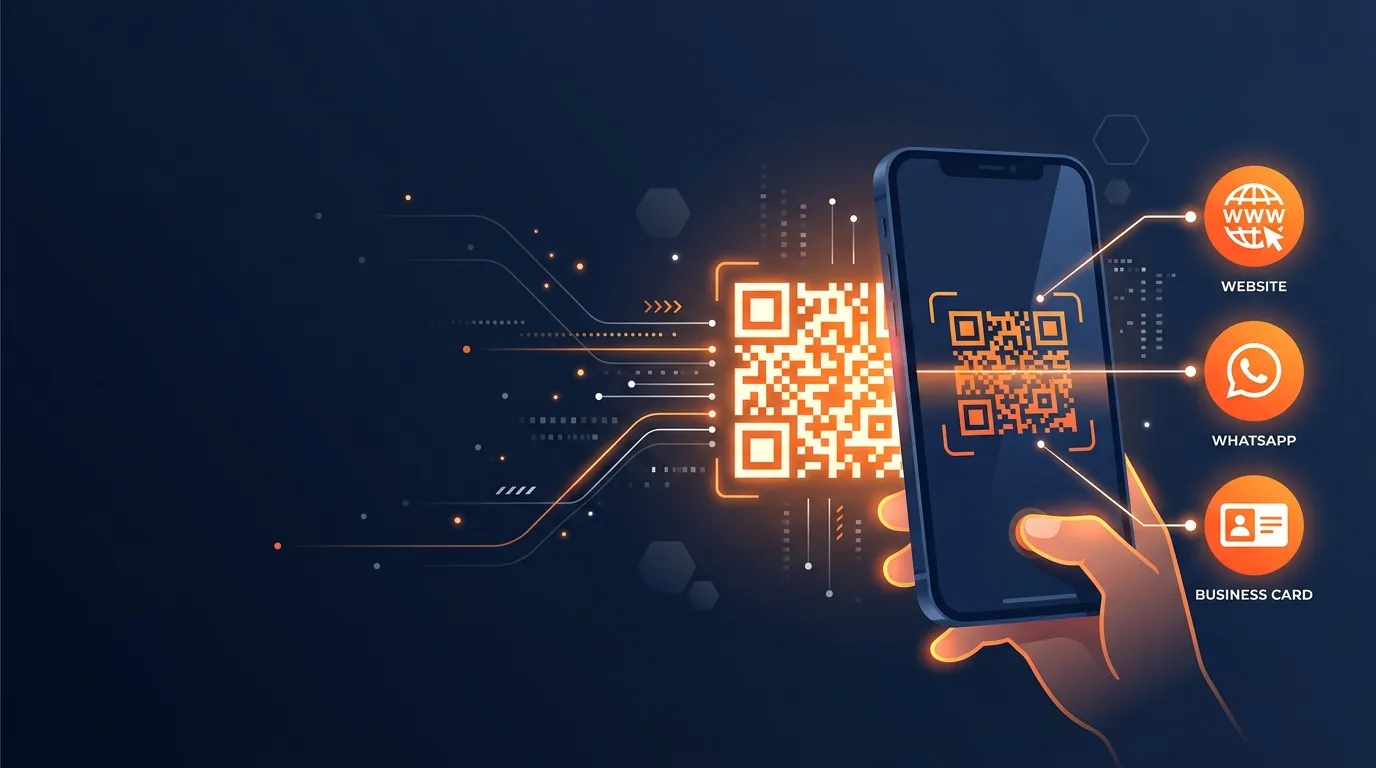
In 2025, 99.5 million Americans scanned QR codes on their smartphones — and that number is projected to reach 102.6 million by 2026, according to eMarketer. That’s nearly one in three people in the country pointing their phone camera at a small square pattern to reach a website, a menu, or a contact card. If you’re a small business owner, blogger, or freelancer who hasn’t added a QR code to your materials yet, you’re missing a channel that takes about three minutes to set up.
The frustration most people run into? The majority of “free” tools either stamp a watermark across your QR code or gate the download behind a sign-up wall. This guide walks you through how to create a QR code for free — no account, no watermark, no credit card — using the free QR code generator at BeastToolsHub. You’ll have a working code before you finish reading.
Key Takeaways
- In 2025, 99.5 million US smartphone users scanned QR codes monthly (eMarketer, 2025).
- Static QR codes are free, permanent, and require no account to create or use.
- Use PNG for screens; SVG or PDF for printed business cards and flyers.
- Always scan your finished code on two devices before printing — one typo makes it useless.
What You'll Need Before You Start
- Any device with a browser — desktop, tablet, or phone all work fine
- Your destination content — a URL, phone number, WhatsApp number, or short message
- Time required: 2–3 minutes
- Difficulty: Beginner — no technical knowledge required
- Cost: $0
Step 1: Open a Free QR Code Generator
By the end of this step you’ll have the tool open in your browser, with nothing installed and nothing signed up for.
Open a browser tab and navigate to BeastToolsHub’s QR Code Generator. The tool loads instantly with a clean two-panel layout: input fields on the left, a live QR code preview on the right. No account prompt appears, and no paywall blocks the download button. What you see in the preview is exactly what you’ll download.
One thing most other guides don’t warn you about: some tools show a clean preview but quietly watermark the downloaded file. The tell is that the download button is greyed out until you enter an email address. If you see that pattern, close the tab — you’re on a lead-capture page dressed up as a free tool. A genuinely free generator gives you the download button immediately, no form required.
Step 2: Choose the Right QR Code Type
By the end of this step you’ll know exactly which content type to select — because choosing the wrong type is the single most common beginner mistake.
Most free QR code generators support several content types. Which one fits your situation?
- URL: Links to any webpage: your website, a specific product page, a portfolio, or a booking form. This is the right choice for the vast majority of small business and blogger use cases.
- WhatsApp: Opens a WhatsApp chat with your number pre-filled when scanned. Ideal for service businesses that want customers to message them directly from a flyer or business card.
- Text: Displays a plain message on the user’s screen. Good for Wi-Fi passwords, short instructions, or discount codes you don’t want to link to a URL.
- vCard: Encodes your full contact details: name, phone, email, and website. When someone scans it, their phone prompts them to save you as a new contact in one tap. It’s essentially a digital business card in a QR code.
- Email: Opens the user’s mail app with your address pre-filled. Good for print materials where you want a quicker path to your inbox than typing an email address.
For most people reading this guide, URL is the right pick. If you run a WhatsApp-based business or meet clients face to face, the WhatsApp type removes the friction of someone having to look up and save your number.
Step 3: Enter Your Content
By the end of this step, the live preview will show your actual QR code — and you’ll be able to verify it’s pointing at the right place before you download anything.
Paste or type your content into the input field. A few details that trip people up:
- For URLs: always include the full address starting with https://. Leaving it out causes older QR scanning apps to treat the text as a search query rather than a direct link.
- For WhatsApp: enter the number in international format, starting with your country code (for example, +1 for the US). No spaces, no dashes — just digits after the plus sign.
- For vCards: double-check the phone number and email address field by field. These are the details someone will tap to call or email you, and a single transposed digit won’t show any error until a customer tries it.
As you type, the preview refreshes in real time. Don’t wait until after you download to test it — pull out your phone right now, open the camera, and point it at the preview on your screen. Confirm the destination loads. This takes five seconds and saves you from the much worse outcome of discovering a broken code after printing.
Step 4: Customize Your QR Code's Appearance
By the end of this step, your QR code will be on-brand and sized correctly for wherever you’re placing it.
Free generators typically let you adjust color and output size. Here’s what actually matters:
- Contrast is non-negotiable: The dark modules must be significantly darker than the background. A charcoal-gray code on a white background scans reliably in any lighting. A light-blue code on a pale-gray background will fail under fluorescent store lighting. When in doubt, keep it black on white.
- Match the output size to the use case: For digital placements (website, email footer, Instagram bio), 300 × 300 pixels is a comfortable standard. For print, don’t rely on a pixel value at all — download SVG so the file scales to any print dimension without quality loss.
- Skip the logo embed unless the generator specifically supports it: Adding a logo image to the center of a QR code reduces scan reliability unless the error correction level has been raised to compensate. Most free tools don’t handle that automatically, so the result is a code that looks polished but fails to scan roughly one in four tries.
Step 5: Download and Test Your QR Code
By the end of this step you’ll have a file ready to place on your website, drop into Canva, or send straight to a printer.
Click the download button. Here’s which format to pick:
- PNG: Use for digital placements: website embeds, email footers, Canva designs, and social media posts.
- SVG: Use for anything you’re printing: business cards, flyers, signage, and menus. SVG scales to any dimension without losing sharpness.
- PDF: Use if your print shop requests a vector file and SVG isn’t among the export options.
Before you send the file anywhere, open it on your phone. We’ve watched small business owners order 500 business cards with a broken QR code — a missing “s” in “https” that wasn’t visible until a customer pointed it out. Scan the downloaded file from your screen on at least two devices (iOS and Android, if possible) and confirm the destination loads completely. Two minutes of testing here saves hours of reprinting.
Practical Use Cases: Where QR Codes Actually Help
In 2025, 94% of marketers surveyed by Bitly increased their QR code usage over the previous 12 months, according to Bitly’s “From Scans to Strategy” report of 250 marketing professionals. That adoption isn’t happening by accident. Here’s where QR codes deliver real value for small businesses and independent creators:
In 2024, the GS1 US Consumer Survey found that 79% of consumers are more likely to purchase a product that includes a scannable QR code with additional information (GS1 US, via Bitly, 2024). For anyone printing physical materials — packaging, cards, or flyers — that single statistic makes the case better than any marketing argument.
- Website links: Print a QR code on your business card or brochure so people reach your site without typing a URL. Link to your homepage, a specific product page, or a booking calendar — whichever page you’d most want a new contact to land on.
- WhatsApp contact: Put a QR code on your packaging or receipt. When a customer scans it, WhatsApp opens on their phone with your number ready to message. No app download, no number lookup — one scan starts the conversation.
- Business cards: A vCard QR code on your business card lets someone save your full contact details — name, phone, email, website — with a single tap. It’s also more reliable than expecting people to type your email address from memory.
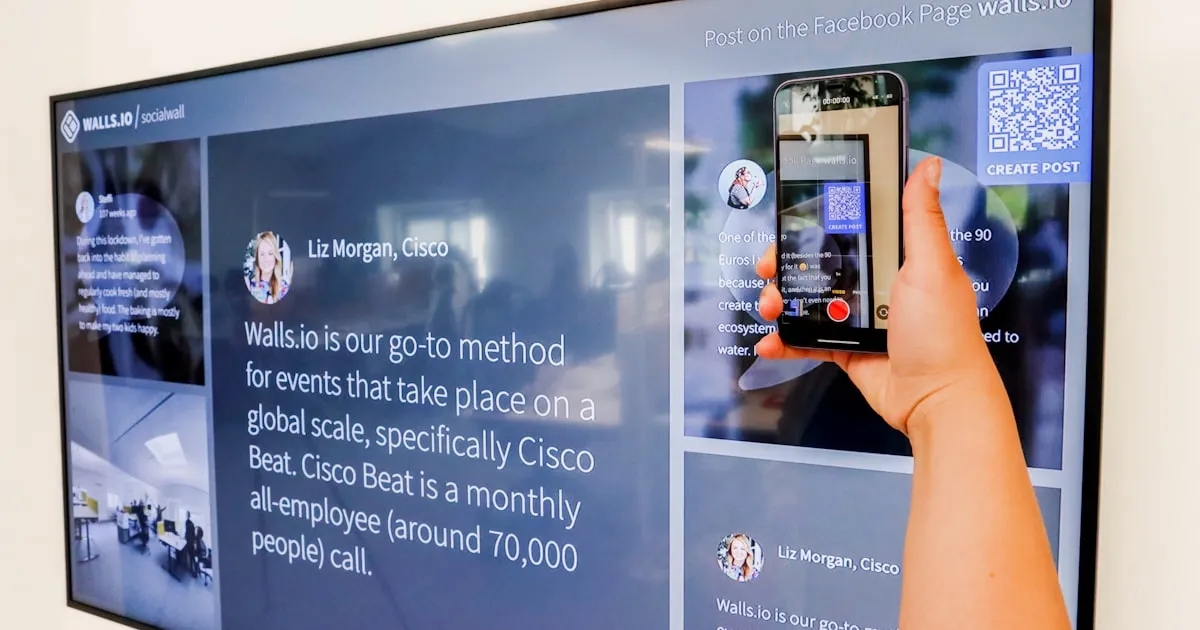
- Restaurant menus and event flyers: In 2024, 64% of shoppers scanned QR codes on products while in-store, per the World Sync Consumer Study. Restaurants and event organizers use that same behavior to link printed materials to digital menus, RSVP forms, and schedules that can be updated without reprinting.
- Wi-Fi passwords: Encode your network credentials as a QR code and display it at your café counter or Airbnb space. Guests scan it and connect without asking for the password or mistyping a 20-character network key.
Common Mistakes That Make QR Codes Fail
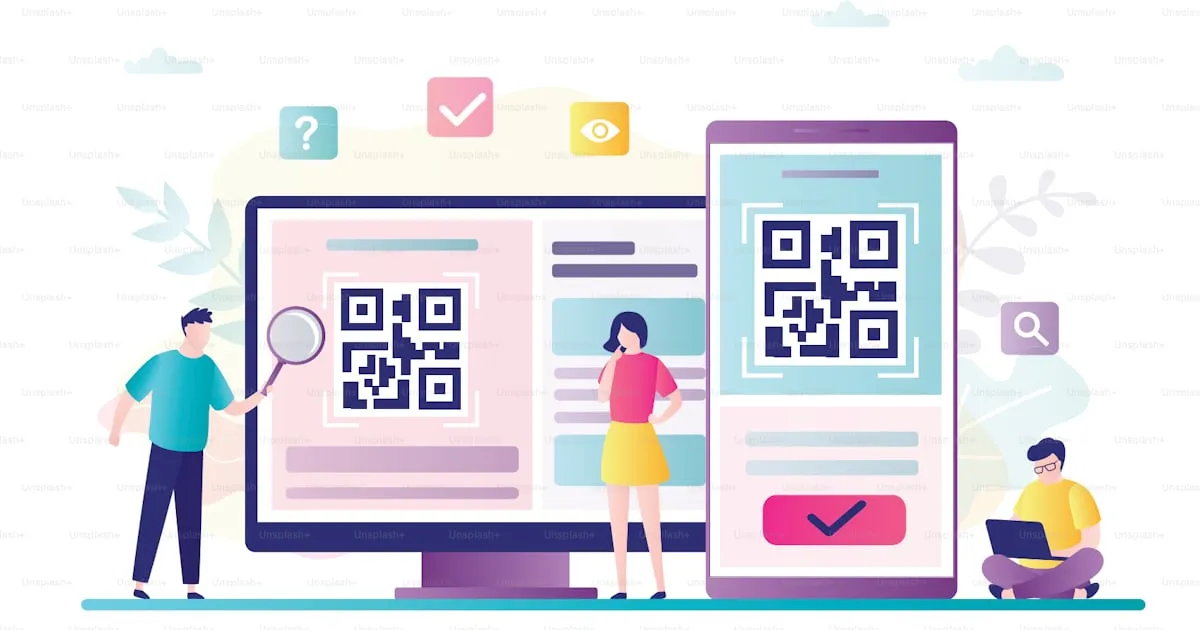
Most QR code problems are preventable. Here are the four mistakes that come up most often — and how to avoid each one:
1. Low-contrast color combinations: Light-gray modules on a white background look elegant in design mockups but fail to scan under standard office or store lighting. Keep the modules dark — navy or black — against a light or white background. Never reverse the contrast.
2. Printing too small: The minimum reliable size for most smartphone cameras is 2 cm × 2 cm (about 0.8 inches square) at arm’s length. On a standard business card, that’s achievable. Below that threshold, scan failures start climbing, especially on cheaper print stock.
3. Not testing before printing: A single typo in a URL — or a link to a page you later delete or rename — turns the whole QR code into a broken dead end. Test the downloaded file before it goes anywhere. Scan it. Click through. Confirm the destination page loads completely.
4. Using a URL that chains through multiple redirects: If your link runs through a URL shortener that points to another URL shortener, some Android QR scanning apps will stall or show a security warning. This isn’t a common issue with a direct link to your own domain, but it does happen with stacked short links. Keep the destination URL as direct as possible — one hop, not three.
Ready to Create Your QR Code?
Everything above boils down to this: pick the right type, paste your content, check the contrast, download SVG if you’re printing, and scan before you publish. That’s all it takes — and the whole process runs in under three minutes. Head straight to the free QR code generator at BeastToolsHub and have your code ready before you finish your coffee.
Want to track how many people actually scan your code? Encode a URL with UTM parameters instead of a plain link. Google’s Campaign URL Builder is free, and Google Analytics will show you scan traffic under whatever campaign source you label it.
Static QR codes never expire — they encode information directly into the pattern and work indefinitely, as long as the destination URL is still live. Dynamic QR codes, which redirect through a third-party server, can stop working if the platform cancels your subscription or shuts down. Free static generators create codes with no expiry date attached, so there’s nothing to renew.
Yes — many generators are genuinely free with no strings attached. Static QR codes for URLs, plain text, and contact cards cost nothing on tools that don’t charge for basic features. Dynamic QR codes with scan tracking, link editing, and analytics typically start around $5–15 per month. For most small businesses and freelancers, a free static code covers every practical use case you’ll actually run into.
Download PNG for digital placements: websites, social posts, and email signatures. Download SVG or PDF for print: business cards, posters, and menus. SVG is resolution-independent — it stays perfectly sharp no matter how large you scale it up. A PNG exported at 300 × 300 pixels will look pixelated on a large banner or A-frame sign, so don’t rely on it for physical print beyond small formats.
Static QR codes don’t include built-in scan tracking. The workaround is free and straightforward: use Google’s Campaign URL Builder to generate a URL with UTM parameters, then encode that tagged URL into your QR code. When someone scans and visits, Google Analytics logs it under the campaign source you defined. No paid tool required — you get real scan data inside the Analytics dashboard you likely already have.
The minimum recommended size for reliable scanning is 2 cm × 2 cm (about 0.8 inches square) at a standard arm’s-length distance from a smartphone camera. For business cards, 1.5 cm × 1.5 cm can still work if you’re encoding a short URL with fewer data modules. Longer URLs pack in more modules, which means the individual squares get smaller, which means the code needs to be physically larger to stay readable.