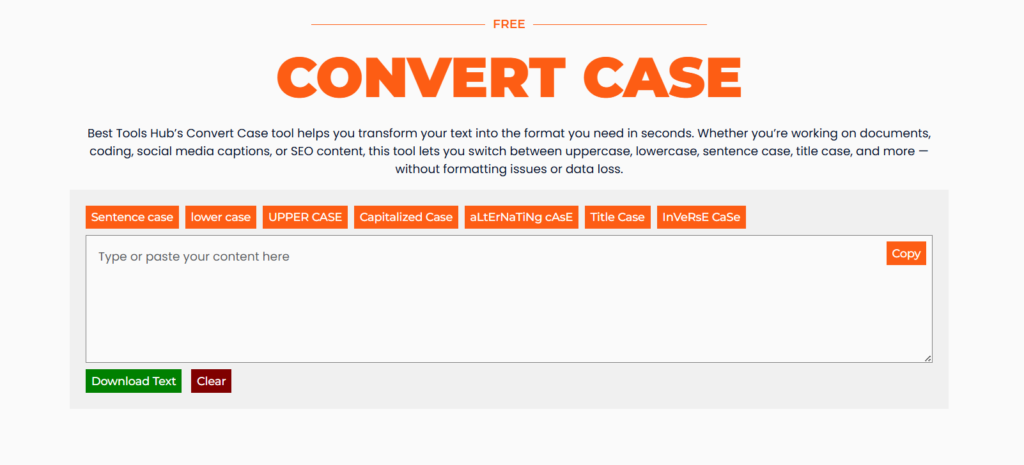
Best Tools Hub’s Convert Case tool helps you transform your text into the format you need in seconds. Whether you’re working on documents, coding, social media captions, or SEO content, this tool lets you switch between uppercase, lowercase, sentence case, title case, and more — without formatting issues or data loss.
Our Tools
Beast Tools Hub offers practical online tools built to solve everyday problems quickly. Each tool is designed to be simple, fast, and easy to understand, so anyone can use it without instructions or technical knowledge.
Create QR codes for text, URLs, WiFi, email, phone, and social links. Free QR code generator with no login required. Download high quality PNG instantly and use it anywhere you need..
Generate single passwords, memorable passphrases with full customisation, real-time strength scoring, entropy calculation, and a built-in password checker. No login, no data storage, 100% private.
Turn long, messy URLs into short, clean, and shareable links. Our URL Shortener helps you create compact links that are easy to copy, share, and manage — perfect for social media, emails, and marketing…
Count words, characters, sentences, and paragraphs instantly as you type or paste your text. This Word Counter helps writers, students, and social media managers stay within length limits and track content length in real time…
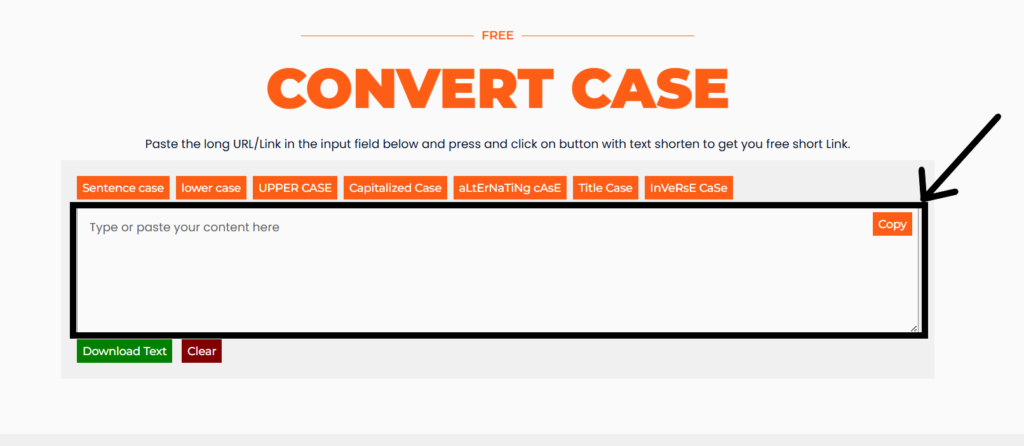
Copy your text from anywhere and paste it into the input box, highlighted in the black rectangle in image.
Step
2
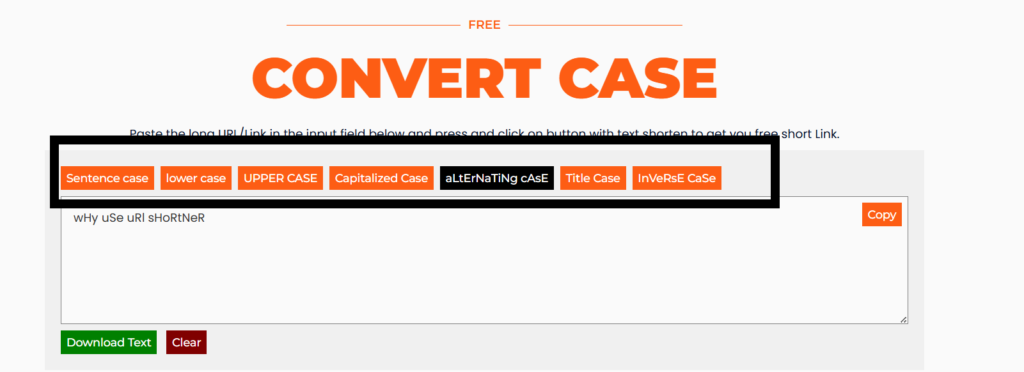
Select the Case
Select the case style you want — uppercase, lowercase, sentence case, title case, alternating case, or more.
Step
3
Copy/Download the converted text
Once you click on the case type (i-e Uppercase, lower case etc), After that you can see the text is converted to selected case. You can copy or download it by clicking on the buttons. -Copy button to copy the text. -Download button (Green Button) to download text file.
Why Use the Convert Case
No sign-ups, no distractions — just fast, accurate text conversion whenever you need it.